Quick verdict: Make (formerly Integromat) is the best-value automation platform for most small teams — a powerful visual builder, thousands of app connections, and pricing that undercuts Zapier at almost every level. It’s our default recommendation for non-developers who still want real power. It’s not the absolute easiest tool (Zapier wins on first-hour simplicity) nor the cheapest at massive scale (self-hosted n8n wins there) — but for the majority, it hits the sweet spot of power, price and usability.
What is Make.com?
Make is a visual, no-code automation platform for connecting apps and moving data between them — the same category as Zapier and n8n. Its signature is a drag-and-drop canvas where you build multi-step “scenarios” visually, which makes complex, branching workflows far easier to see and debug than a linear step list. It bills on operations (renamed from “operations”/credits — roughly, each action a scenario performs), which tends to be much cheaper than Zapier’s per-task model for anything with multiple steps.
Who Make is for (and who should skip it)
Make is a great fit if you: want the best balance of price and power, build multi-step or branching workflows, are a small business, agency, ecommerce store or solo operator, and prefer a visual builder you can actually understand. Look elsewhere if you: want the gentlest possible onboarding and the largest app catalogue (Zapier), or need self-hosting and unlimited-execution pricing for very high volume (n8n).
What we like
- Best value in its class. Operations-based pricing means multi-step scenarios don’t get punished the way per-task pricing does.
- Genuinely visual. The scenario canvas makes complex logic, routers and filters easy to build and debug.
- Deep capability. Handles branching, iteration, error handling and data transformation that simpler tools can’t.
- Generous free plan to learn and run small automations before you pay.
What we don’t
- Steeper first hour than Zapier. The power comes with a slightly higher learning curve for total beginners.
- Operations can be confusing to estimate until you’ve run a scenario a few times.
- App library is large but not the largest — a few niche integrations exist on Zapier first.
Make vs the alternatives
| Tool | Best for | Pricing model |
|---|---|---|
| Make | Best value for most teams | Per operation — see Make pricing |
| Zapier | Easiest for beginners | Per task — see Zapier pricing |
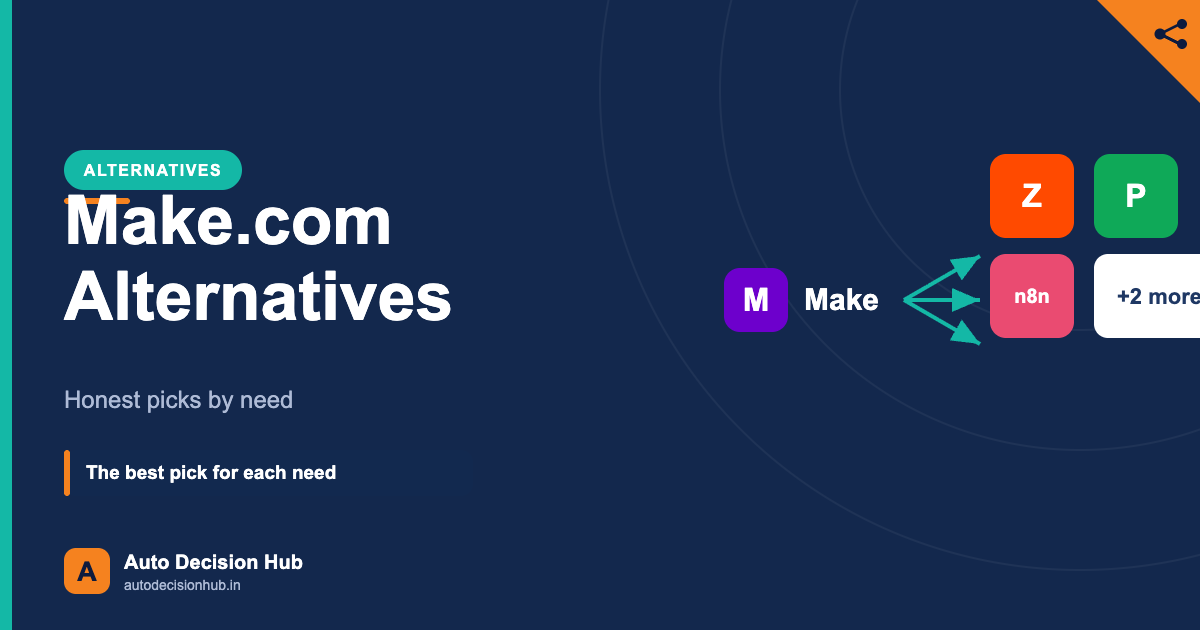
| n8n | Developers / high volume | Per execution; self-host — see n8n review |
Weighing the two most common choices? Read Zapier vs Make and Make vs n8n, or the full three-way decision guide.
Want to try the best-value automation tool? Make has a free plan and a visual builder that’s easier than it looks — the fastest way to see if it fits your workflows.
Disclosure: the Make link is an affiliate link — we may earn a commission at no extra cost to you, and only recommend tools we’d use ourselves. Learn more.
Still deciding between tools? Get our free Automation Decision Kit — a one-page framework to pick between Make, Zapier and n8n by budget and skill.
Frequently asked questions
Is Make better than Zapier?
For most multi-step workflows, Make offers better value thanks to operations-based pricing and a visual builder. Zapier is easier for absolute beginners and has a slightly larger app library. See our Zapier vs Make comparison.
Is Make.com free?
Yes — Make has a free plan suitable for learning and small automations. Paid plans add more operations and features; details in our Make pricing guide.
Is Make hard to learn?
It’s slightly harder than Zapier for your first automation, but the visual canvas makes complex workflows easier to build and understand once you’re past the first hour.
Last reviewed: 17 July 2026. Pricing maintained in our Make.com pricing guide.

Reviewed by Perinah Yaduvanshi — Editor, Auto Decision Hub
At Auto Decision Hub we test AI & automation tools and verify every price against the vendor’s official source, dated. Recommendations are by real use case, never paid placement. How we work →